Media Player App
Your Premium
Experience.
StreamX is a powerful media player application that lets you organize and stream your own media content. Connect your own playlists, enjoy a stunning interface with TMDB-powered artwork, and watch on Android, Android TV, and Amazon Firestick. We do not sell or provide any content or IPTV services.
 🔍
🔍
A Powerful Media Player
Built for Your Content
StreamX is engineered to give you the best experience for organizing and playing your own media. Connect your playlists and enjoy a premium, cinema-quality interface on any device.
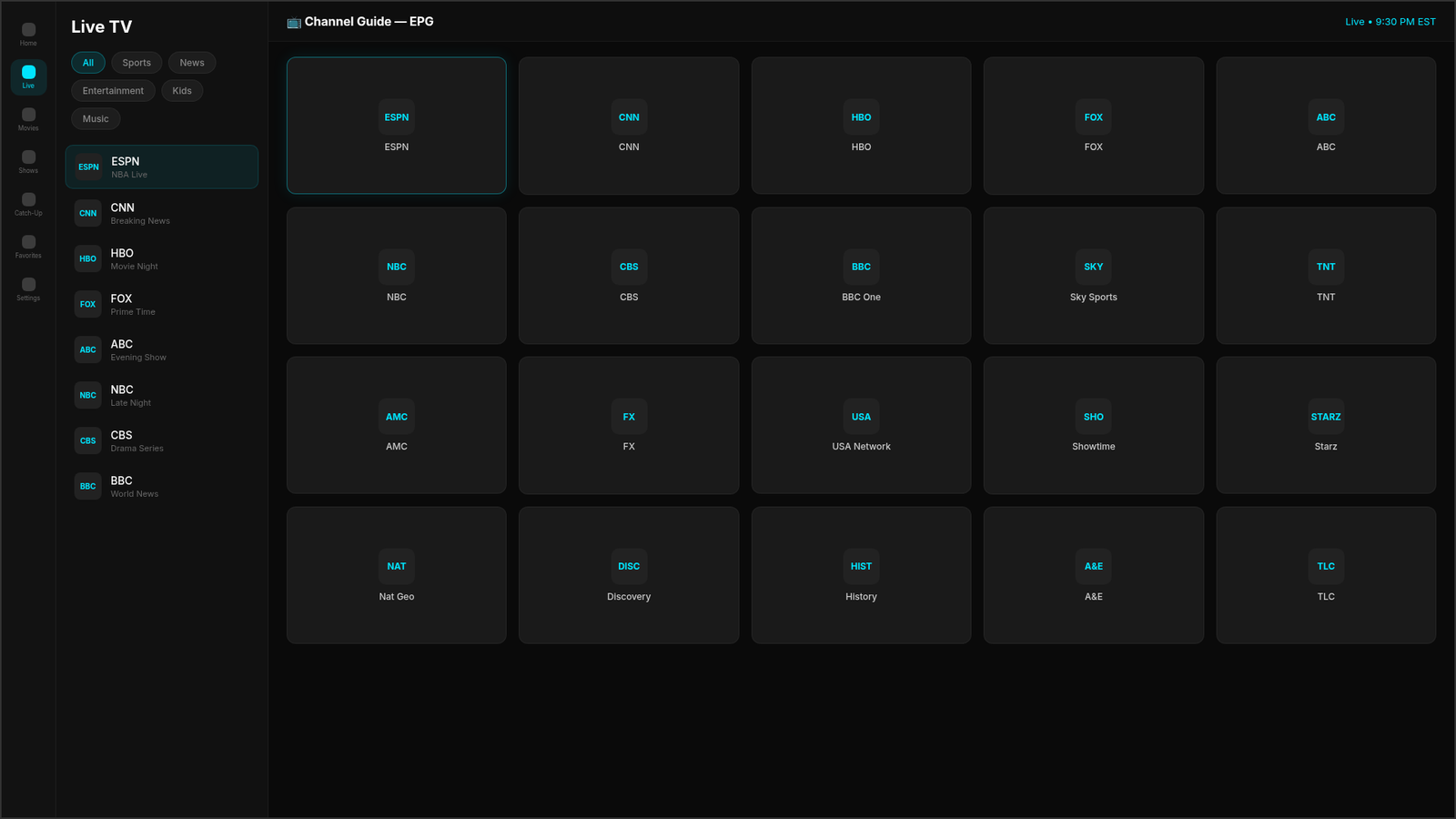
Live TV Player
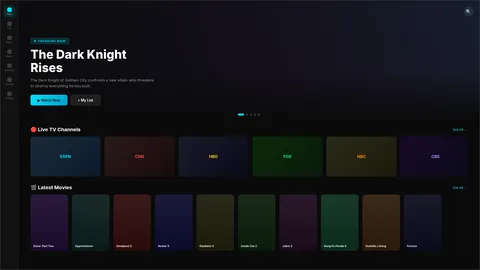
Stream your live TV channels with a responsive EPG (Electronic Program Guide), category browsing, and channel grid. Supports all major playlist formats.
- EPG with program schedule
- Category-based channel browsing
- Favorites & recently watched
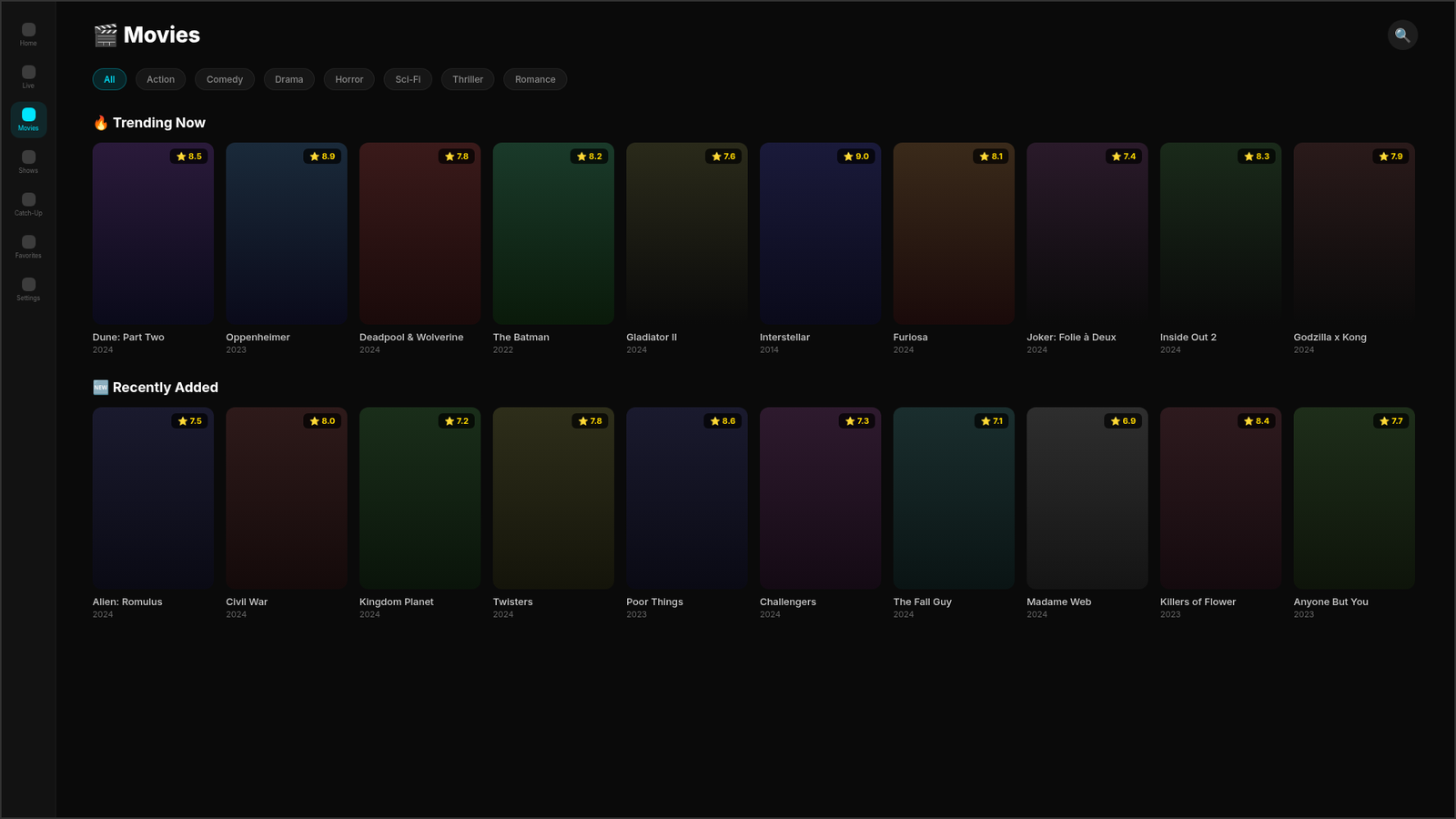
VOD & Series Playback
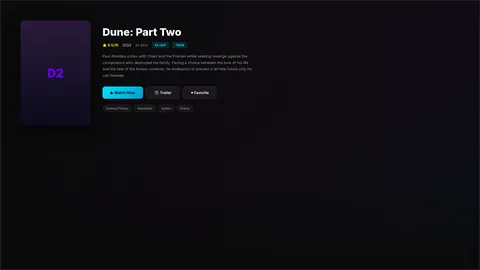
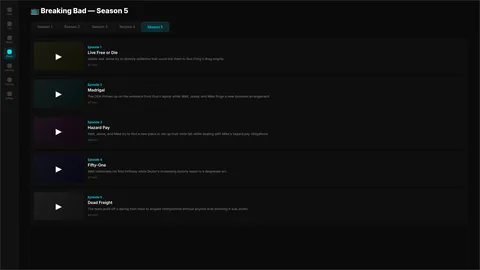
Organize and play your movies and TV shows with Netflix-style content rows, TMDB-powered artwork, and season/episode navigation.
- TMDB metadata & 4K backdrops
- Season & episode browser
- YouTube trailer integration
3D Content Carousel
A stunning 3D card carousel showcasing trending content with smooth animations, view recycling, and async image preloading for silky performance.
- Hardware-accelerated 3D transforms
- D-pad optimized for TV
- Async image preloading
Hero Banner & Trailers
A dynamic hero banner with auto-scrolling featured content, integrated YouTube trailer playback via WebView, and beautiful gradient overlays.
- ViewPager2 auto-scroll banner
- YouTube trailer player
- Gradient overlays & animations
Multi-Device Support
Runs natively on Android phones, tablets, Android TV, Amazon Firestick, and Fire TV Cube. D-pad navigation fully optimized for remote control use.
- Android phone & tablet
- Android TV & Fire TV
- Leanback & D-pad optimized
ExoPlayer Engine
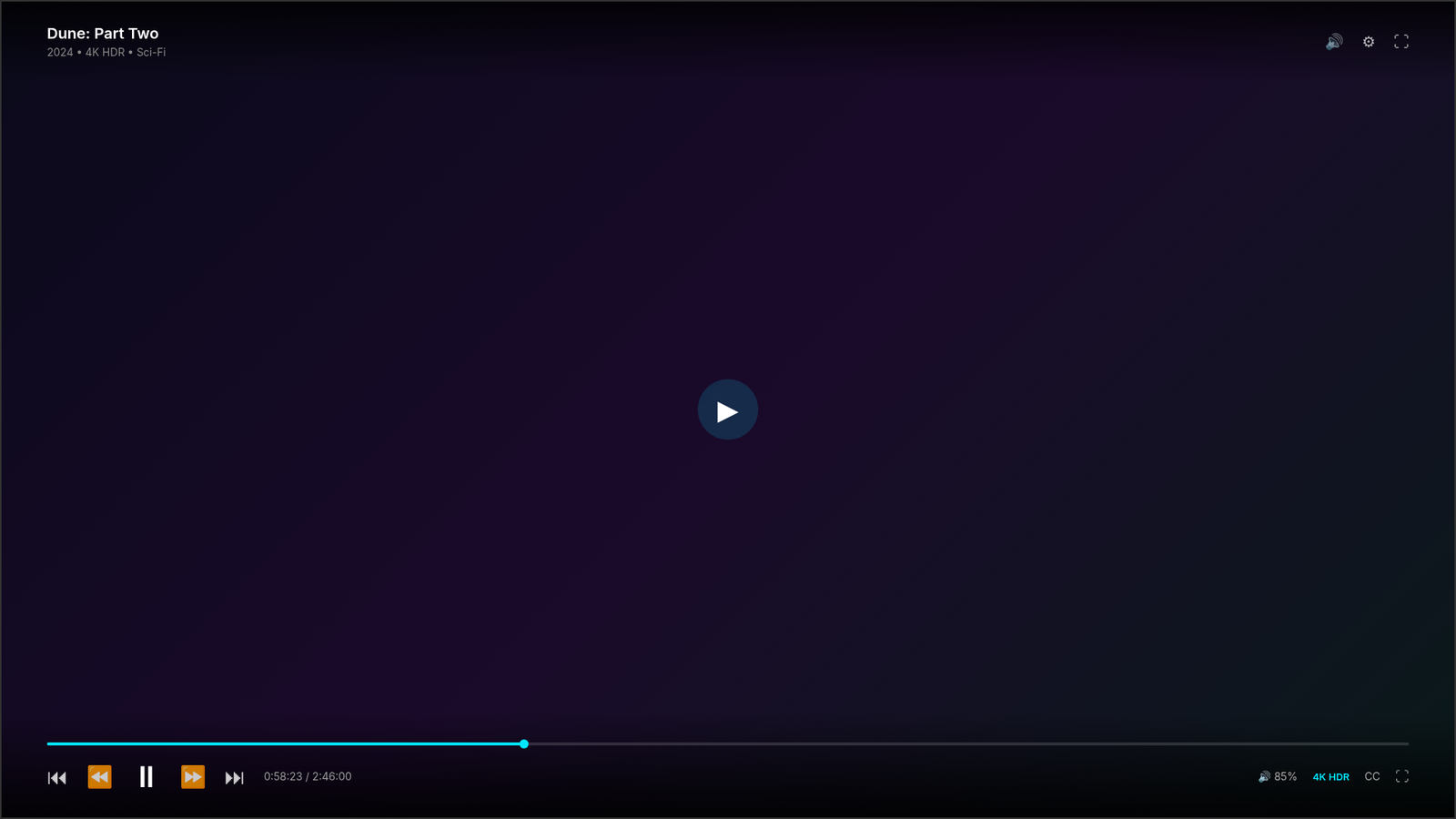
Powered by Google's ExoPlayer for robust, hardware-accelerated playback. Supports HLS, DASH, RTMP, and more with adaptive bitrate streaming.
- HLS, DASH, RTMP, HTTP
- Adaptive bitrate streaming
- Mini player (VOD & Live)
Catch-Up TV
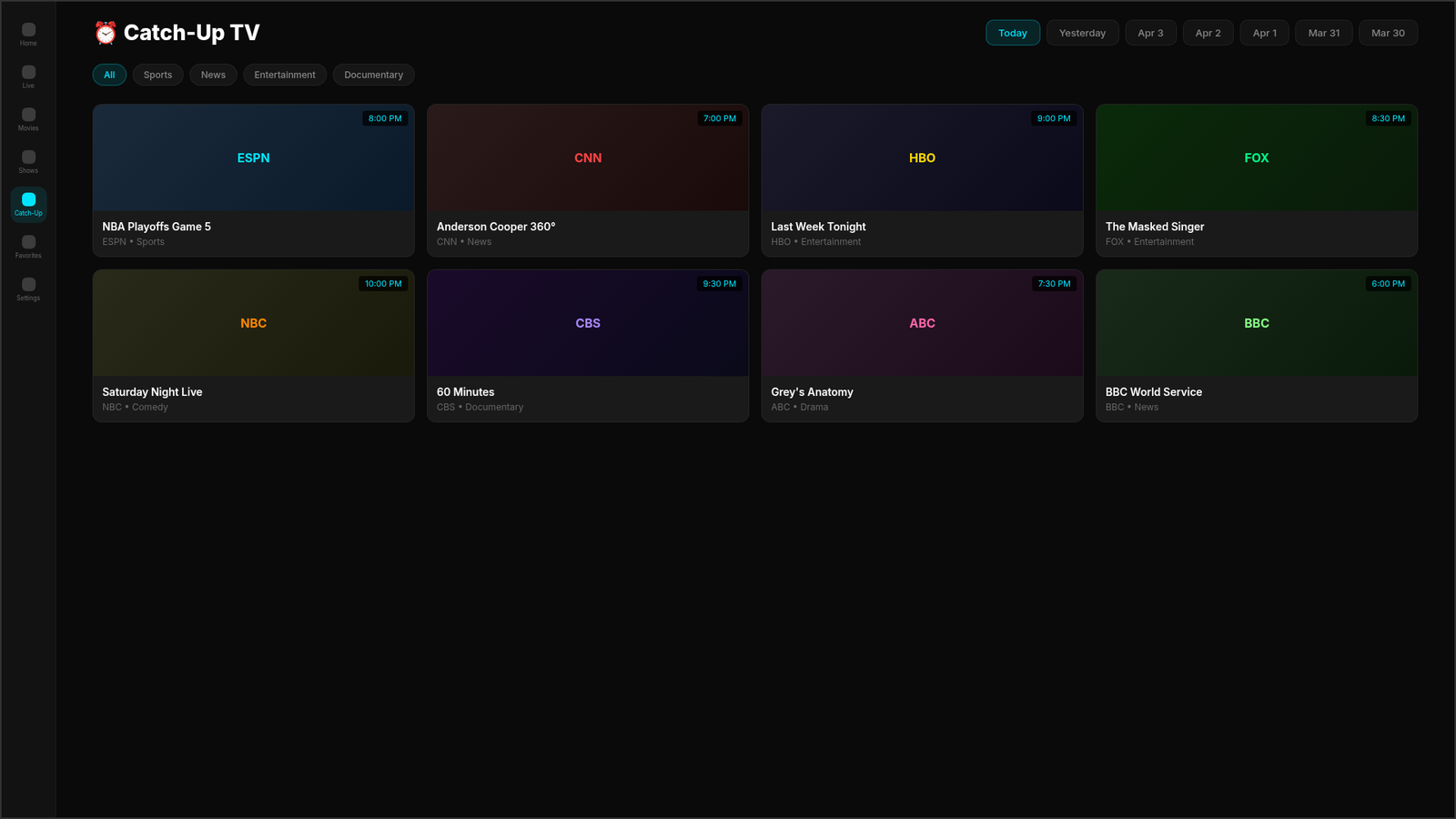
Browse and play previously aired content with a 7-day date selector, category chips, and channel grid. Never miss your favorite programs again.
- 7-day date selector
- Category chips & filters
- Integrated ExoPlayer playback
3 Login Methods
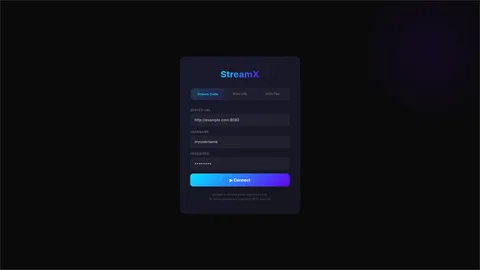
Connect your own media sources with three flexible login options: Xtream Codes API, M3U URL, or local M3U file import. Your content, your way.
- Xtream Codes API login
- M3U URL with auto-parse
- M3U local file import
Search & Favorites
Powerful live search across all your content with instant results. Save your favorite channels, movies, and shows for quick access anytime.
- Live search modal
- Cross-content search
- Persistent favorites system
Stunning UI & Animations
Cinematic dark theme with starfield splash screen, glow effects, smooth transitions, and a Netflix-inspired home layout built with Material Design.
- Starfield animated splash
- Dark cinema theme (#0A0A0A)
- Material Design components
10 Settings Sections
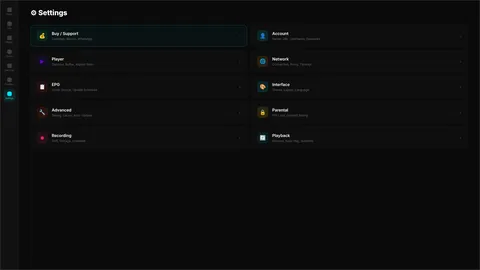
Fine-tune every aspect of your player experience with 10 dedicated settings sections covering playback, EPG, interface, parental controls, and more.
- Player, Network, EPG settings
- Parental controls
- Recording & playback options
TMDB Artwork Engine
Automatic integration with The Movie Database (TMDB) API for stunning 4K backdrops, HD posters, ratings, overviews, and rich metadata for all your content.
- 4K backdrop images
- HD posters & ratings
- Auto metadata matching
See StreamX
In Action
Explore every screen of the StreamX media player. These screenshots reflect the actual app interface built from our source code — what you see is what you get.
Get Started
In 3 Simple Steps
StreamX is a media player app. You supply your own content sources and we provide the beautiful player experience.
Download & Install
Download the StreamX APK and sideload it on your Android device, Android TV, or Amazon Firestick. Quick and easy installation.
Connect Your Content
Log in with your own Xtream Codes API credentials, enter an M3U URL, or import a local M3U file. You supply the content, we supply the player.
Enjoy Your Media
Start streaming with TMDB artwork, EPG guides, 3D carousel, and all premium features. Your content never looked this good.
Choose Your
StreamX Plan
Start with the Free version or unlock all features with a one-time Lifetime payment. No subscriptions, no hidden fees.
Install on
Any Device
StreamX runs on Android, Android TV, Amazon Fire devices, and Windows PC. Follow our step-by-step installation guides.
Android Phone / Tablet
Download the APK, enable "Install from Unknown Sources" in your settings, and tap to install. Works on Android 7.0+.
View GuideAndroid TV
Use Downloader or File Commander to sideload the APK on your Android TV. Full D-pad and remote control support built-in.
View GuideAmazon Firestick / Fire TV
Enable "Apps from Unknown Sources" in Developer Options, use Downloader (app code: AFTVnews), and install StreamX APK.
View GuideWindows PC
Download the Windows installer and run it on Windows 10/11. No emulator needed - native Windows application with full features.
View GuideReady to Experience
StreamX?
Download the free version now and start enjoying your own media content with a premium player interface. Upgrade to Lifetime for just $5 to unlock VOD, Catch-Up, and all advanced features.
StreamX is a media player only. No content is included. Users must supply their own media sources.
Frequently Asked
Questions
StreamX is a media player application only. It provides a beautiful, feature-rich interface for organizing and streaming your own media content. We do not host, provide, sell, or distribute any media content, channels, or streaming services. Think of it like VLC or MX Player, but designed specifically for IPTV-style playlists with a premium UI.
No. StreamX does not include, provide, or sell any media content whatsoever. It is a player only. You must supply your own content sources by logging in with your own Xtream Codes API credentials, entering an M3U URL, or importing a local M3U file. StreamX simply plays whatever content you point it to.
StreamX supports three login methods: (1) Xtream Codes API — enter your server URL, username, and password; (2) M3U URL — paste any M3U playlist URL; (3) M3U File — import a local .m3u file from your device storage. All three methods are available in both the Free and Lifetime versions.
The Free version gives you full access to the Live TV player, EPG guide, TMDB artwork, search, favorites, and all three login methods. The Lifetime plan ($5.00 one-time) unlocks VOD Movies & TV Shows, Catch-Up TV, advanced Settings, YouTube trailer integration, and the full 3D content carousel experience.
Go to Settings → My Fire TV → Developer Options → enable "Apps from Unknown Sources". Download the Downloader app from the Amazon App Store, enter the APK download URL, and install. Full guide available on our Install Guide page.
StreamX supports Android phones and tablets (Android 7.0+), Android TV boxes, NVIDIA Shield, Amazon Firestick (all generations), Fire TV Cube, and Fire TV Smart TVs. The app is optimized for both touch and D-pad/remote navigation.
You can pay via CashApp ($Neptunehosting5), Bitcoin, or by contacting us on WhatsApp. Once payment is confirmed, an admin will remotely activate your device for full Lifetime access. The activation is tied to your device ID and happens automatically through the app's heartbeat system.
The heartbeat system is a background service that periodically checks in with our server. It registers your device ID, allows the admin to remotely activate or deactivate your license, and enables push notifications for app updates or announcements. Your geo-location data is collected for security purposes only.
Help StreamX
Stay Free
StreamX is developed by a small team. Your donations help us keep the app free and continue adding new features.
CashApp
$Neptunehosting5
Bitcoin
bc1qasr2tg7z4xw0pja6wxlwk2f0z9pvmw8azqyn9u
Need Help?
Contact our support team via WhatsApp for installation help, activation issues, or general questions about the StreamX media player app.
Legal Disclaimer
StreamX is a media player application only. We do not host, provide, sell, or distribute any media content, channels, or streaming services. StreamX does not endorse or promote the use of any third-party IPTV services. Users are solely responsible for the content they access through their own playlists and media sources. By using StreamX, you agree that you will only use the application with content that you have the legal right to access. StreamX and its developers are not liable for any misuse of the application.